.svg)
7 Essential Software for Property Maintenance Companies in 2026
Property maintenance used to mean a local crew, paper work orders, and a supervisor on site.
Today, many property maintenance companies are dealing with:
- Portfolios spread across cities or countries
- A mix of in‑house staff, subcontractors, and vendors
- Multilingual frontline teams with varying literacy levels
- Tight regulatory and client reporting requirements
At the same time, owners expect:
- Faster response times
- Transparent reporting and photos
- Lower costs without sacrificing quality
The question is not whether property maintenance companies need digital tools, but which tools and how to use them in a way staff will adopt easily.
What property maintenance companies need from software
Most companies are not looking for another complex system to babysit. They want software that helps with five core jobs:
- Assign and schedule work reliably, including recurring tasks
- Communicate clearly across languages and roles
- Verify that work was done, ideally with photos or inspection reports
- Coordinate vendors and contractors without infinite email threads
- Keep a trustworthy record for compliance, billing, and audits
Done well, a modern stack should feel like:
- A clear queue of jobs
- A single place to see status and issues
- A simple way for field staff to know what to do and prove they did it
Essential softwares for property maintenance firms
You don’t need everything at once, but understanding the main categories is important.
|
Solution |
Best For |
Key Features |
Pricing |
Unique Benefit |
|---|---|---|---|---|
|
Tasa |
Multilingual/remote teams |
AI translation, picture-based tasks |
Free/$8+/user/mo |
Inclusive, seamless collaboration |
|
AppFolio |
Medium-large portfolios |
Automation, vendor mgmt, accounting |
$1.40+/unit/mo |
End-to-end automation |
|
Buildium |
Residential, HOA managers |
Requests, payments, inspections |
$55+/mo |
Intuitive for residential management |
|
Property Meld |
Vendor-heavy operations |
Workflow automation, analytics |
Custom |
Reduces response times |
|
Inspectify |
Inspections, compliance |
Digital reports, photos, checklists |
Per inspection |
Fast, standardized inspections |
|
VendorPM |
Vendor management focus |
Sourcing, compliance, contracts |
Custom |
Centralized vendor management |
|
Maintenance Care |
Preventive maintenance, assets |
Work orders, asset tracking |
Free/$100+/mo |
Asset uptime, preventive focus |
Tasa
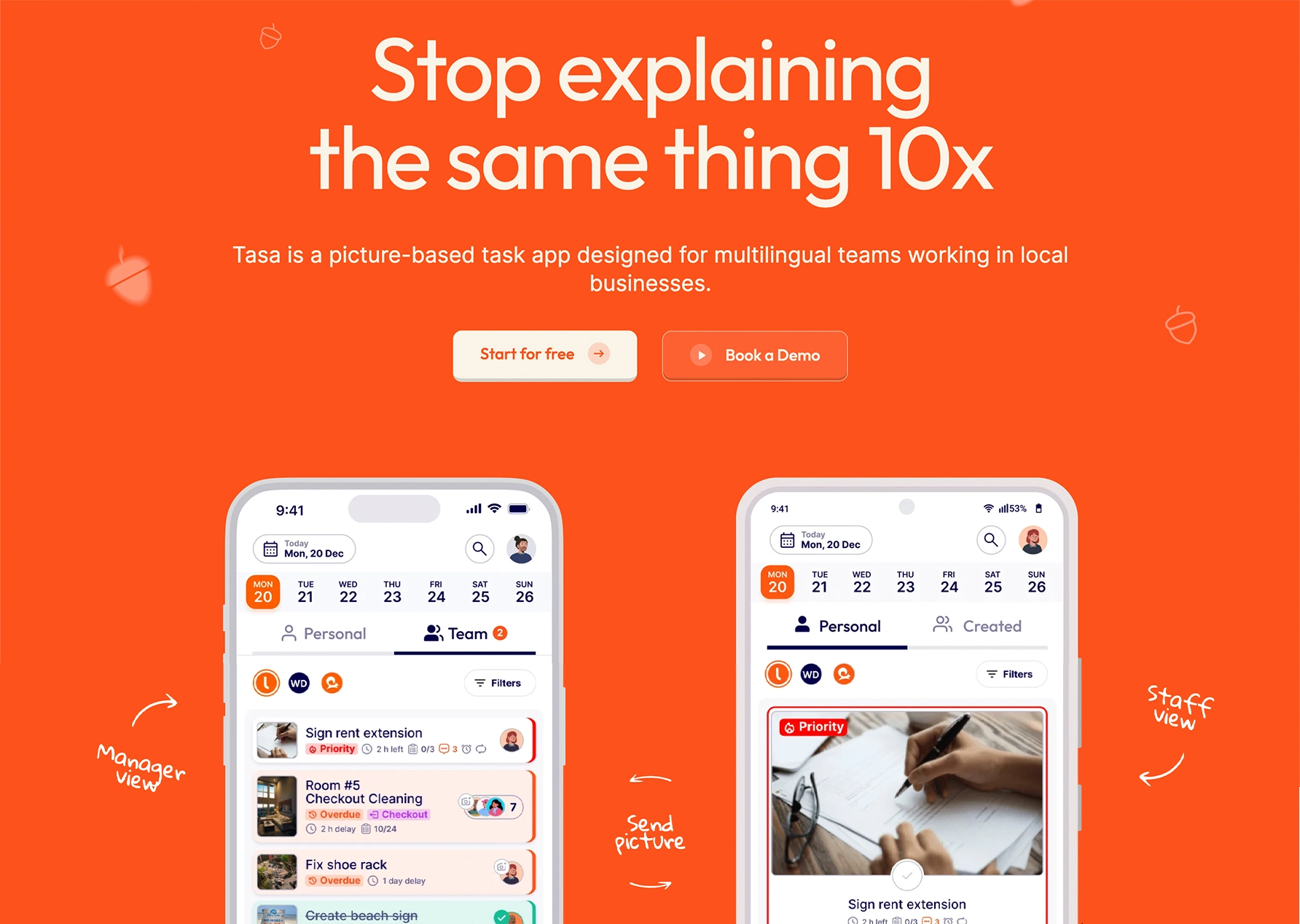
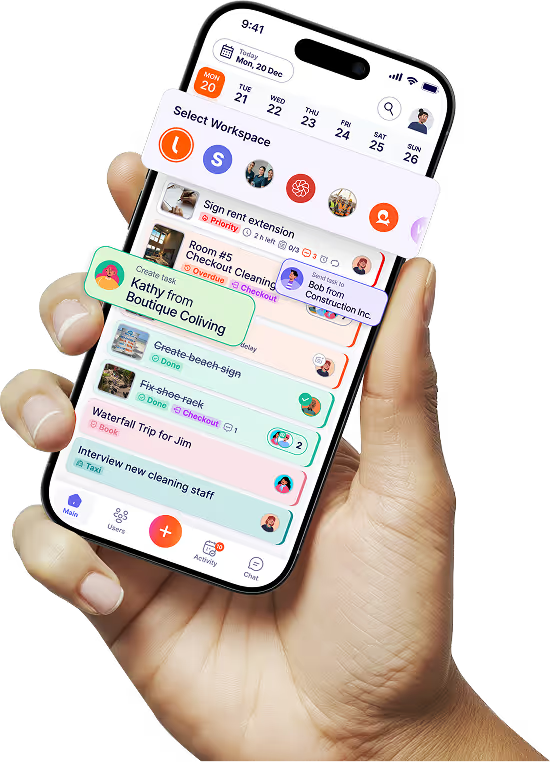
Tasa is not a full property management platform; it’s the frontline execution layer.
Best for:
- Multilingual and low‑literacy teams (cleaners, maintenance techs, handymen)
- Companies using remote contractors or vendors they rarely see in person
- Expats running local teams in other countries
Key features for property maintenance companies:
- Picture‑based tasks and checklists: workers see what “done” looks like
- AI live translation for tasks, comments, and chat in 100+ languages
- Photo proof (“send picture back”) so you can verify work from anywhere
- Separate workspaces for each client, site, or brand
- Simplified staff view with QR‑code login for easy onboarding
This enforce standards and collect evidence that jobs are actually completed
AppFolio Property Manager
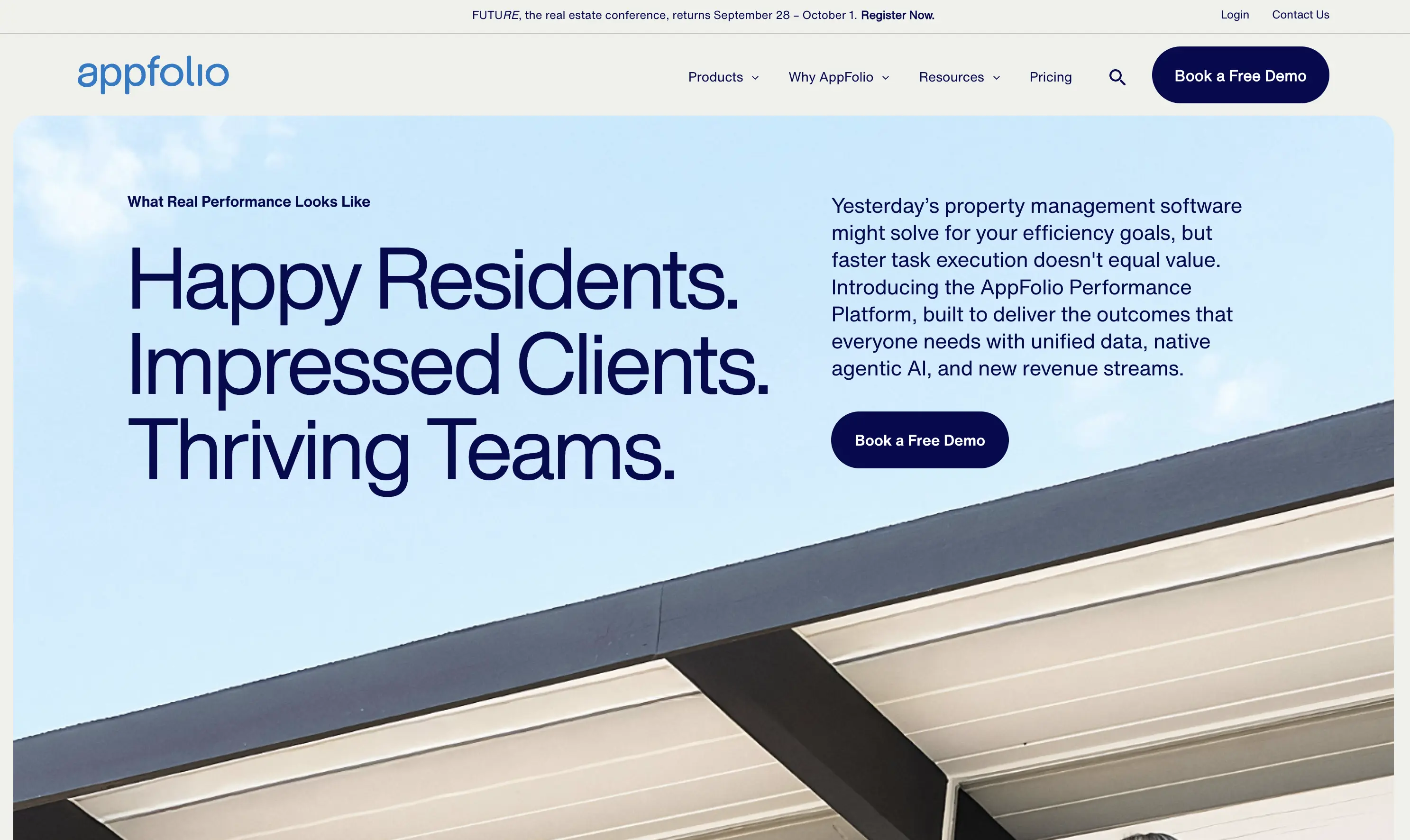
AppFolio is a full property management platform with strong maintenance capabilities.
Best for:
- Medium to large portfolios (residential, commercial, mixed)
- Companies wanting leasing, accounting, and maintenance in one place
Key features:
- Work order creation, assignment, and tracking
- Vendor management and payments
- Resident portals for maintenance requests
- Reporting and integrated accounting
It’s often the “system of record,” especially in North America, with maintenance as one of several modules.
Buildium
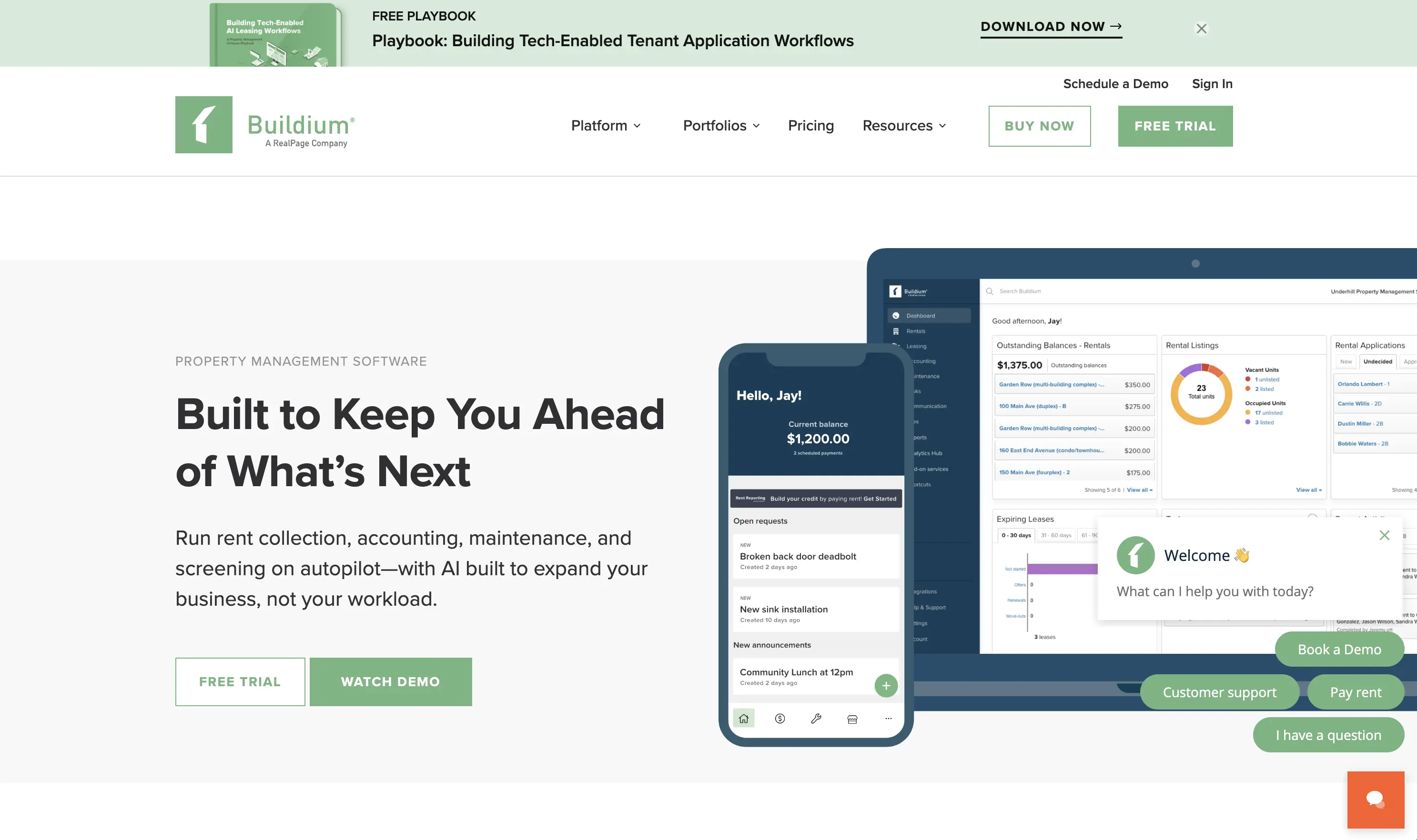
Buildium is another all‑in‑one platform, focusing more on residential and association managers.
Best for:
- Property maintenance companies tied to HOAs, multifamily, and small residential portfolios
Key features:
- Online maintenance requests and tracking
- Vendor coordination and bill payments
- Inspection scheduling and basic reporting
- Integration with payment systems and accounting tools
It’s valued for being approachable while still covering most daily operations.
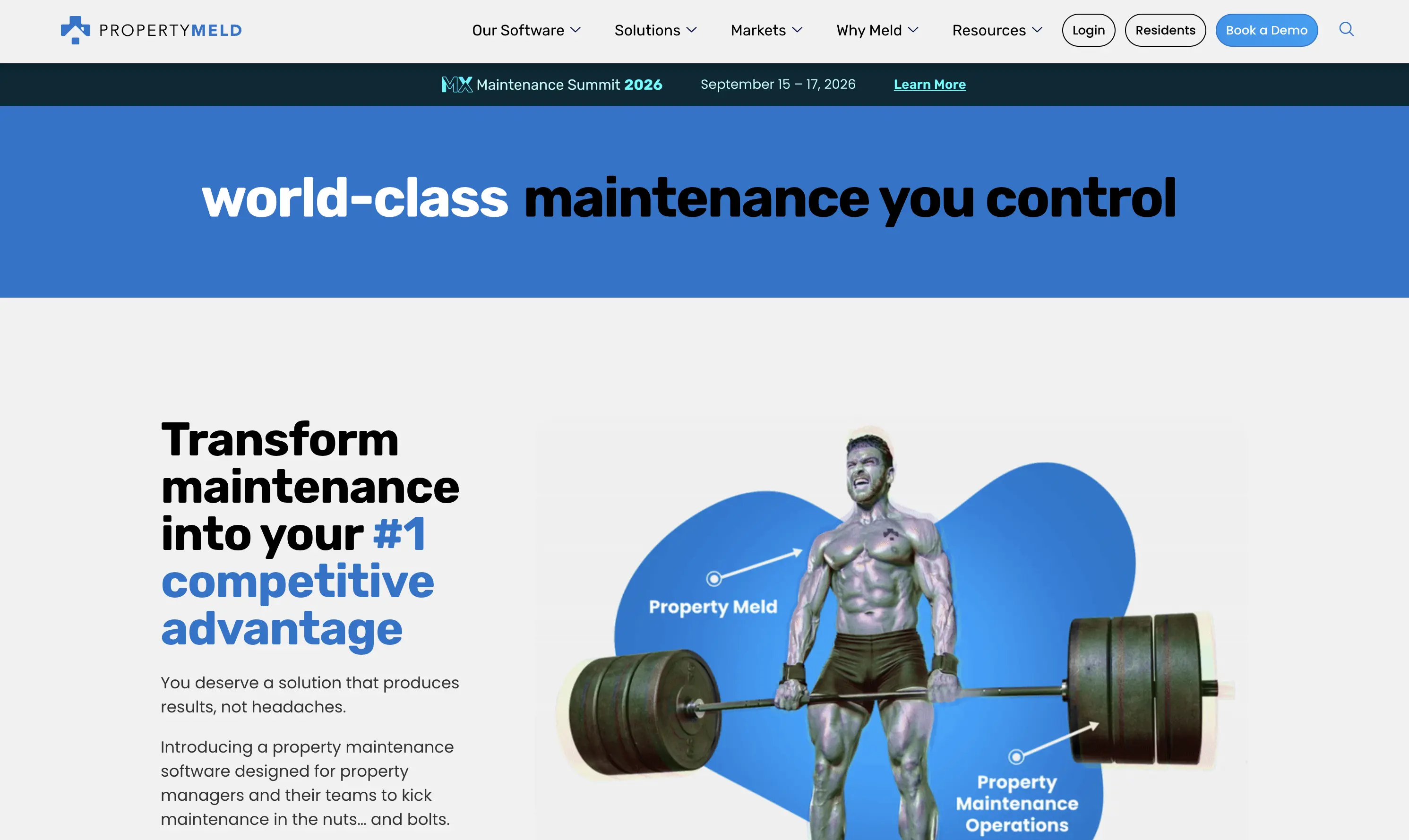
Property Meld
Property Meld focuses specifically on maintenance workflows.
Best for:
- Portfolios where most pain is in maintenance coordination rather than leasing
Key features:
- Automated vendor assignment and scheduling
- Communication hub for residents, vendors, and managers
- Analytics on response times, completion rates, and bottlenecks
It reduces back‑and‑forth by automating notifications and follow‑ups, making it easier to keep SLAs under control.
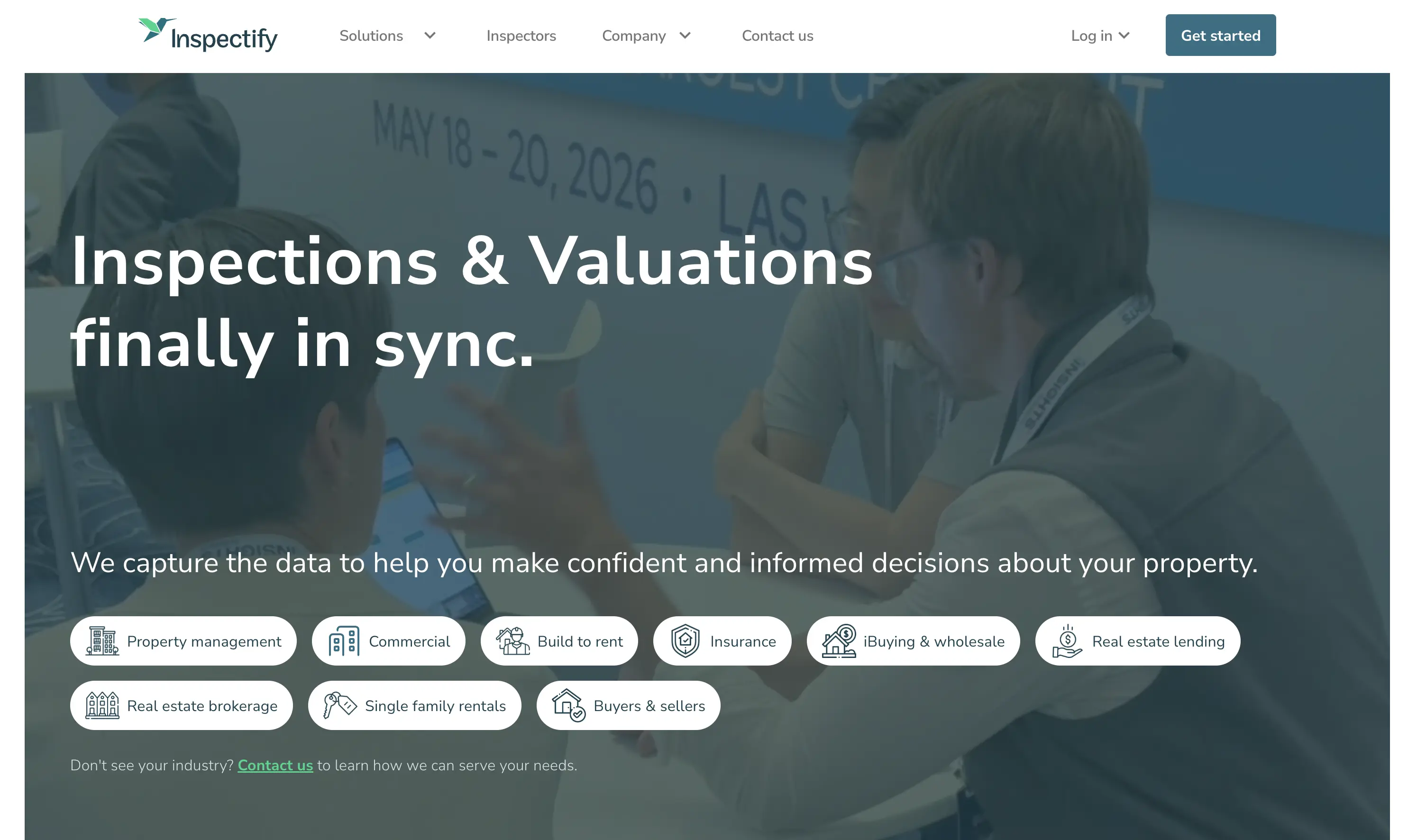
Inspectify
Inspectify is oriented around inspections and standardized reporting.
Best for:
- Property maintenance companies doing frequent move‑in/move‑out, safety, or condition inspections
Key features:
- Customizable inspection templates
- Photo and video capture on mobile
- Consistent, branded PDF reports
It keeps documentation clean and consistent, which is crucial for disputes, insurance, and compliance.
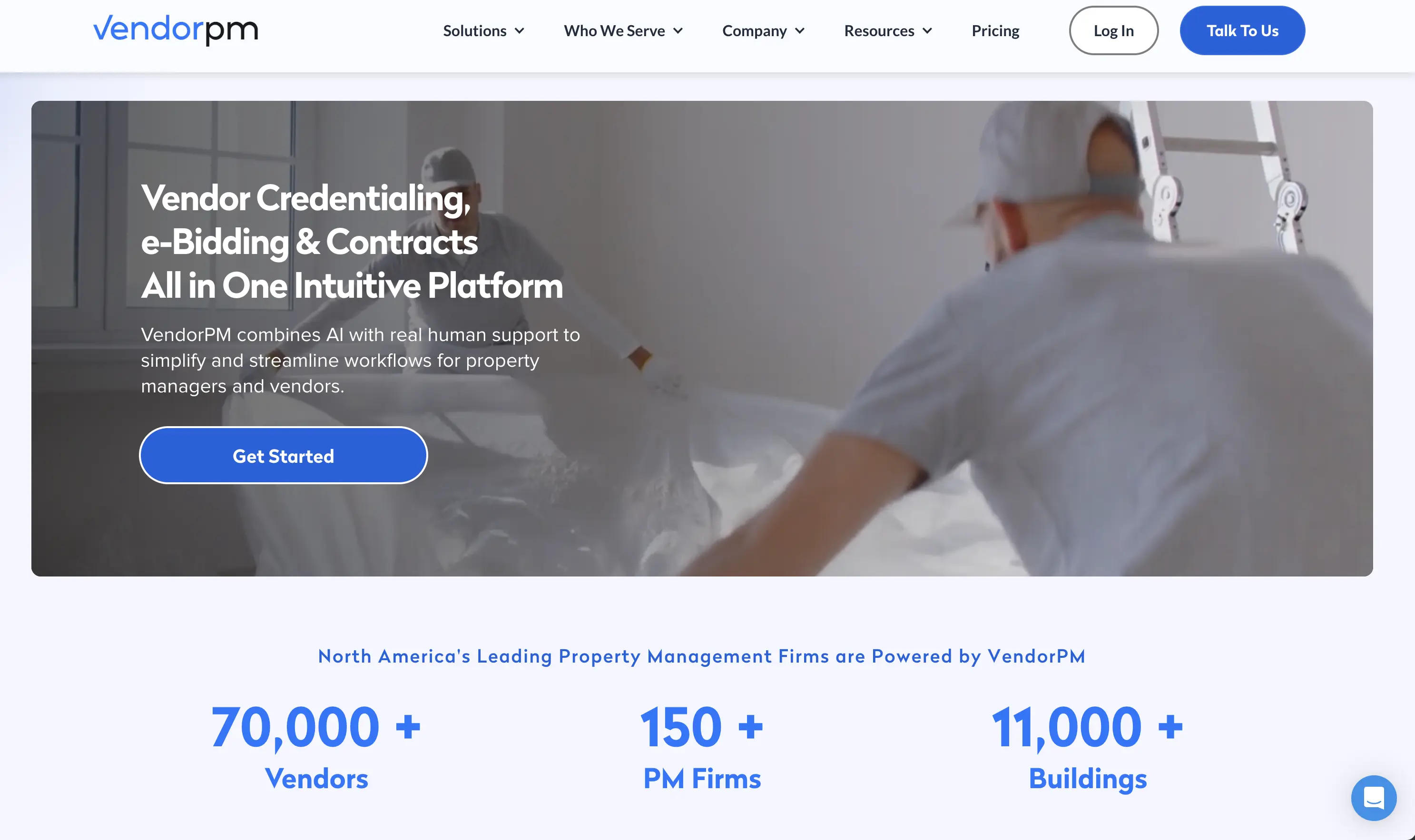
VendorPM
VendorPM is built almost entirely around vendors.
Best for:
- Companies with complex vendor ecosystems (especially commercial and multifamily)
Key features:
- Centralized vendor sourcing and profiles
- Compliance tracking (insurance, certifications, documents)
- Contract and project management at the vendor level
It brings structure to a part of the business that often lives in email threads and personal spreadsheets.
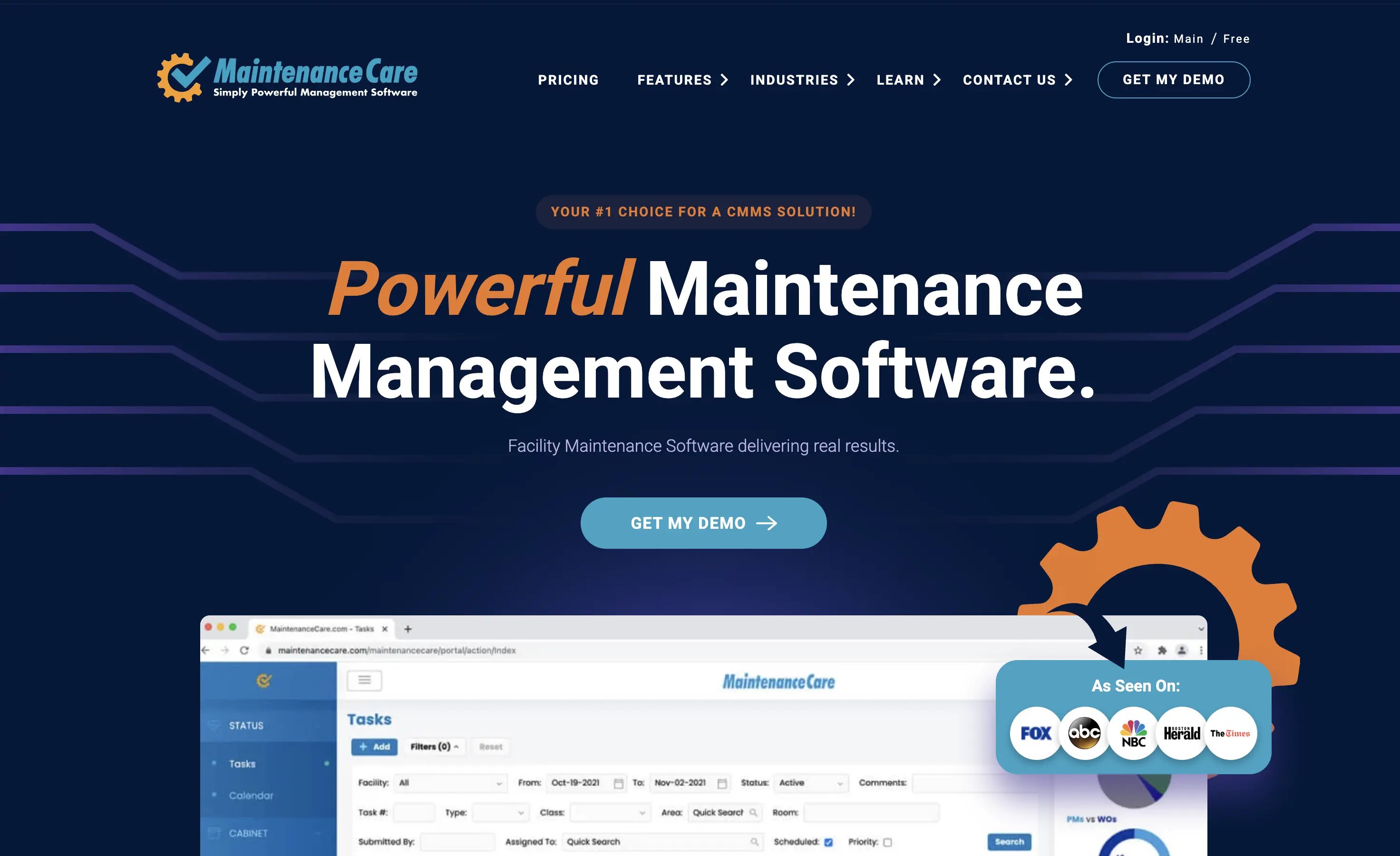
Maintenance Care – preventive maintenance and asset tracking
Maintenance Care is CMMS‑style software with a strong preventive angle.
Best for:
- Facilities, campuses, and larger properties with significant asset lists
Key features:
- Work order and ticket management
- Preventive maintenance scheduling
- Asset and equipment tracking
This gives property maintenance companies a clearer sense of asset health and helps avoid “run to failure” patterns that cost more long‑term.
Features property maintenance companies should prioritize
When evaluating app or software, it’s tempting to chase long feature lists. In reality, a few capabilities move the needle most.

Task automation and mobile access
Look for tools that:
- Automate recurring work orders (e.g., monthly inspections, seasonal checks)
- Let technicians see and update tasks directly on their phones
- Trigger push notifications for urgent issues and SLAs
If your field staff can’t access and update work easily on mobile, adoption will suffer.
Multilingual and visual communication
For diverse teams and expat‑run operations, language is often the hidden bottleneck.
Helpful capabilities:
- AI translation of work orders, comments, and messages
- Picture‑based instructions so low‑literacy staff still understand
- Ability to attach photos and short videos to tasks
Tasa is particularly strong here as a picture‑based task app with AI translation designed for frontline work.
Vendor management and role‑based access
Property maintenance companies sink or swim based on their vendors and subcontractors.
Software should support:
- Centralized vendor records (contracts, compliance docs, performance)
- Easy assignment of jobs to internal staff or vendors
- Role‑based access so owners, managers, vendors, and residents only see what they should
This improves both transparency and security.
Integration and compliance
Make sure key systems syn with each other:
- Accounting (QuickBooks, Xero, etc.)
- Property management (AppFolio, Buildium)
- Inspection and reporting tools
And check for:
- Encrypted data storage and modern security protocols
- Audit trails and time‑stamped records for maintenance, inspections, and communication
Property maintenance firms are often one bad incident away from legal and reputational risk. Good data and logs matter.
Trends property maintenance companies should watch
To stay competitive beyond 2026, it helps to track a few major trends:
- AI‑driven automation: smarter scheduling, prioritization, and triage of requests.
- Mobile‑first everything: frontline staff expect to work from their phones, not desktops.
- Multilingual and inclusive design: picture‑based interfaces and translation are becoming standard where labor is diverse.
- IoT integration: sensors for boilers, HVAC, and security feeding data into maintenance software.
- Stronger security and compliance: more emphasis on data protection and auditable logs.
Tasa is designed to align well with multilingual, frontline teams and expat‑run businesses, giving companies a way to make their systems understandable to every worker.
Latest News



Have questions?
.svg)
Team management, simplified.

“It affects my personal life a lot. I can manage my team and my work remotely, so I have more time being a mother.”
