.svg)
Top 10 Construction Management Software in 2026 (Compared)
Choosing the right construction management software is easy to get wrong: office-heavy platforms your crews never open, field apps that don’t talk to your budgets, and pricing pages that hide the real cost. In this guide, we compare the top 10 construction management software of 2026 — what each tool does best, what it costs, and who it fits — so you can pick the right mix for your office and your job sites.
Running construction projects, especially as an expat or small/mid‑sized contractor you probably feel this in your bones:
- Plans and schedules look perfect in the office.
- On site, details get missed, drawings are misinterpreted, or tasks fall through the cracks.
- You spend your day bouncing between WhatsApp, calls, spreadsheets, and half‑updated project tools.
Most lists of top construction management software focus on office-heavy tools. Those matter: you need documents, RFIs, budgets, and proper scheduling. But they still don’t guarantee that crews on the job site:
- Understand what “done right” looks like
- Follow instructions in their own language
- Or give you proof that work is finished to spec
Key Takeaways:
- Most tools on the list are office-first platforms; field execution for multilingual crews is the underserved gap.
- Pricing spreads from $6.40/user/month (Tasa) to $339+/month all-in-ones (Buildertrend) and enterprise quotes (Procore, Autodesk Build).
- The pattern that works for small and mid-sized contractors: one office brain for budgets and documents plus one field brain for crew tasks and photo proof.
- If your crews do not share a language, picture-based tasks with built-in translation remove the biggest failure point in construction software adoption.
- Verify pricing on the vendor's site before budgeting; construction software pricing changed repeatedly during 2026.
What counts as construction management software?
In this article, we’re talking about tools that help you:
- Plan and schedule projects
- Coordinate stakeholders (clients, subs, suppliers)
- Track documents, RFIs, and changes
- Keep an eye on costs and timelines
- And in some cases, manage site workflows and field communication
For larger firms, this can mean a full project controls platform. For smaller contractors, it might mean a more approachable tool that combines estimates, scheduling, and client communication.
What almost everyone still needs is a field-friendly layer that works for multilingual, mixed‑literacy crews.
Top 10 construction management software at a glance
Before the details, here’s the short version. Prices are starting prices as of August 2026 and change often — always confirm on the vendor’s site.
1. Procore
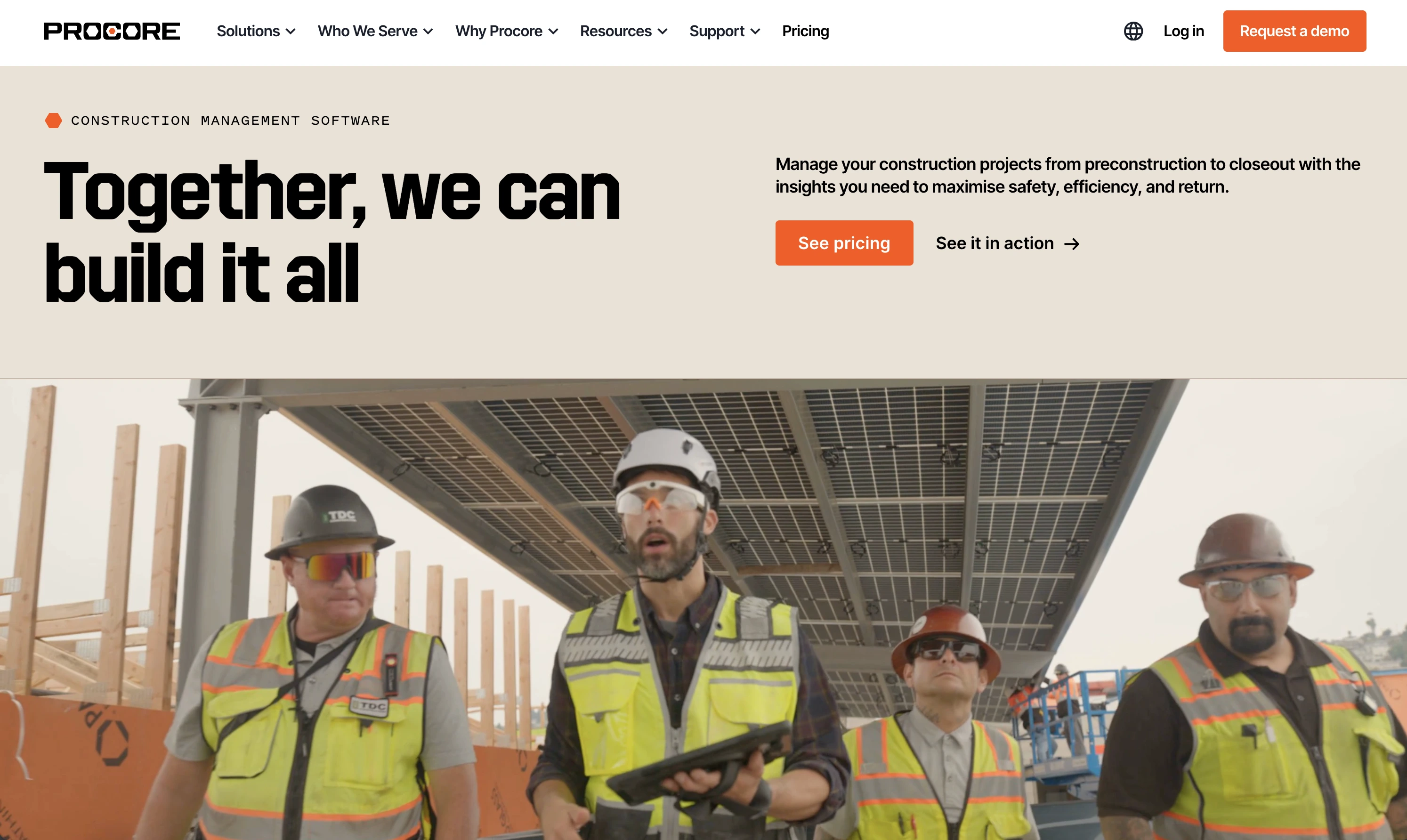
Procore is one of the best-known names in construction management. It’s designed to be a central hub for:
- Project documentation (drawings, RFIs, submittals)
- Budget and change order management
- Quality and safety tracking
- Field reports and daily logs
Best for: Large contractors and complex multi‑stakeholder projects
Strengths:
- Very comprehensive feature set
- Strong ecosystem of integrations
- Good fit for medium to large contractors and enterprise projects
Limitations for smaller players:
- Can feel heavy and expensive if you’re a small contractor
- Requires time and training to implement properly
Pricing: custom quotes based on construction volume — expect an enterprise-level investment.
Procore is a strong backbone for office‑side control, especially if you’re juggling many trades and large budgets.
2. Autodesk Build (Autodesk Construction Cloud)
Autodesk Build is part of Autodesk Construction Cloud and is especially useful if you already use Autodesk tools for design.
Best for: Firms using BIM and detailed design workflows
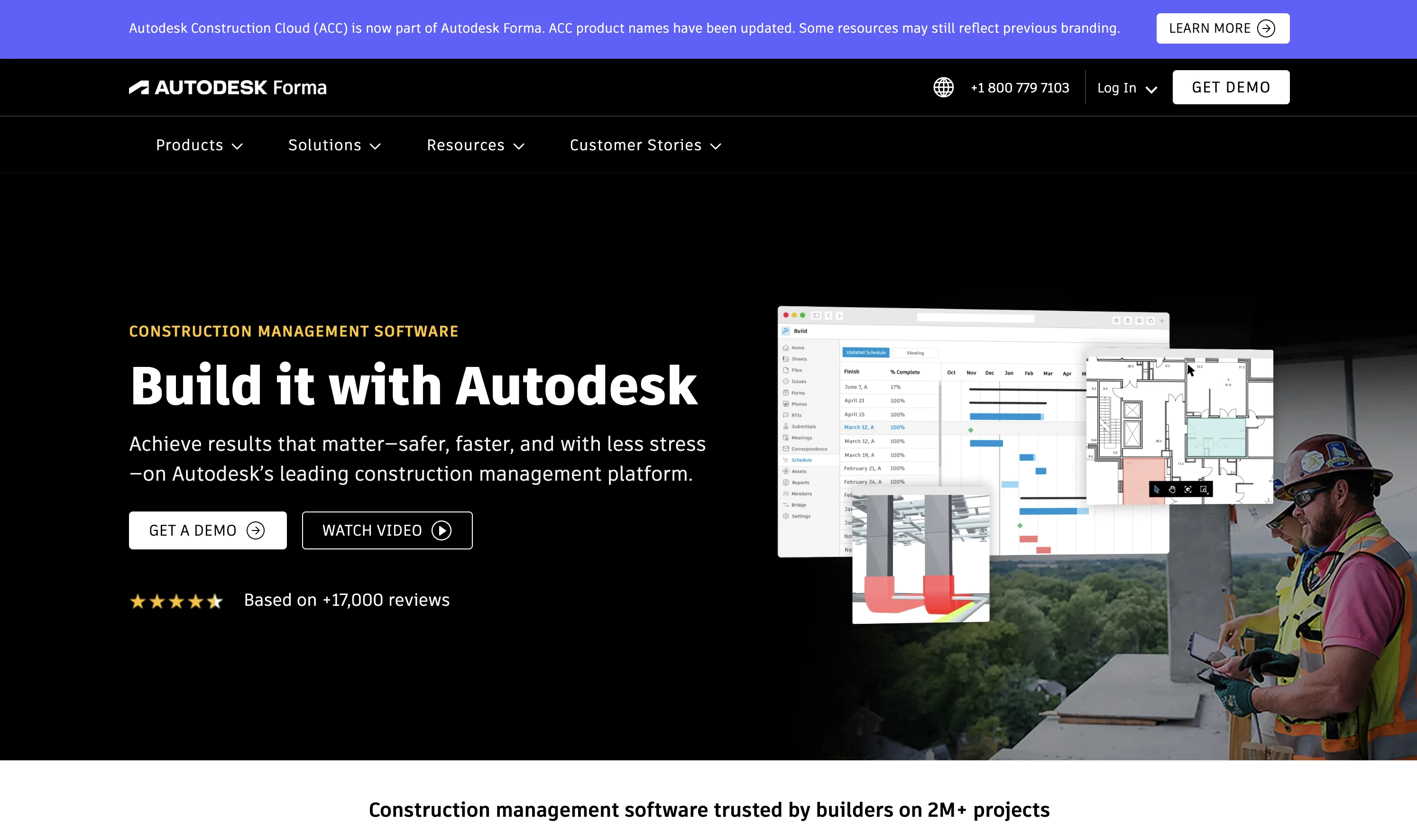
Key capabilities:
- Linking models and drawings with field data
- RFIs, submittals, and document control
- Issue tracking, checklists, and field reports
- Integration with design tools like Revit and Navisworks
Strengths:
- Excellent for BIM-heavy and complex, design-led projects
- Tight integration from design to construction
Limitations:
- Learning curve for teams new to Autodesk
- Best leveraged in larger or technically complex jobs
Pricing: custom quote through Autodesk Construction Cloud packages.
If your projects live heavily in BIM and you want a direct line from model to field, Autodesk Build is a logical choice.
3. Buildertrend
Buildertrend is focused on:
- Custom home builders
- Remodelers
- Small to mid‑sized firms that need an all‑in‑one platform
Best for: Residential builders and remodelers
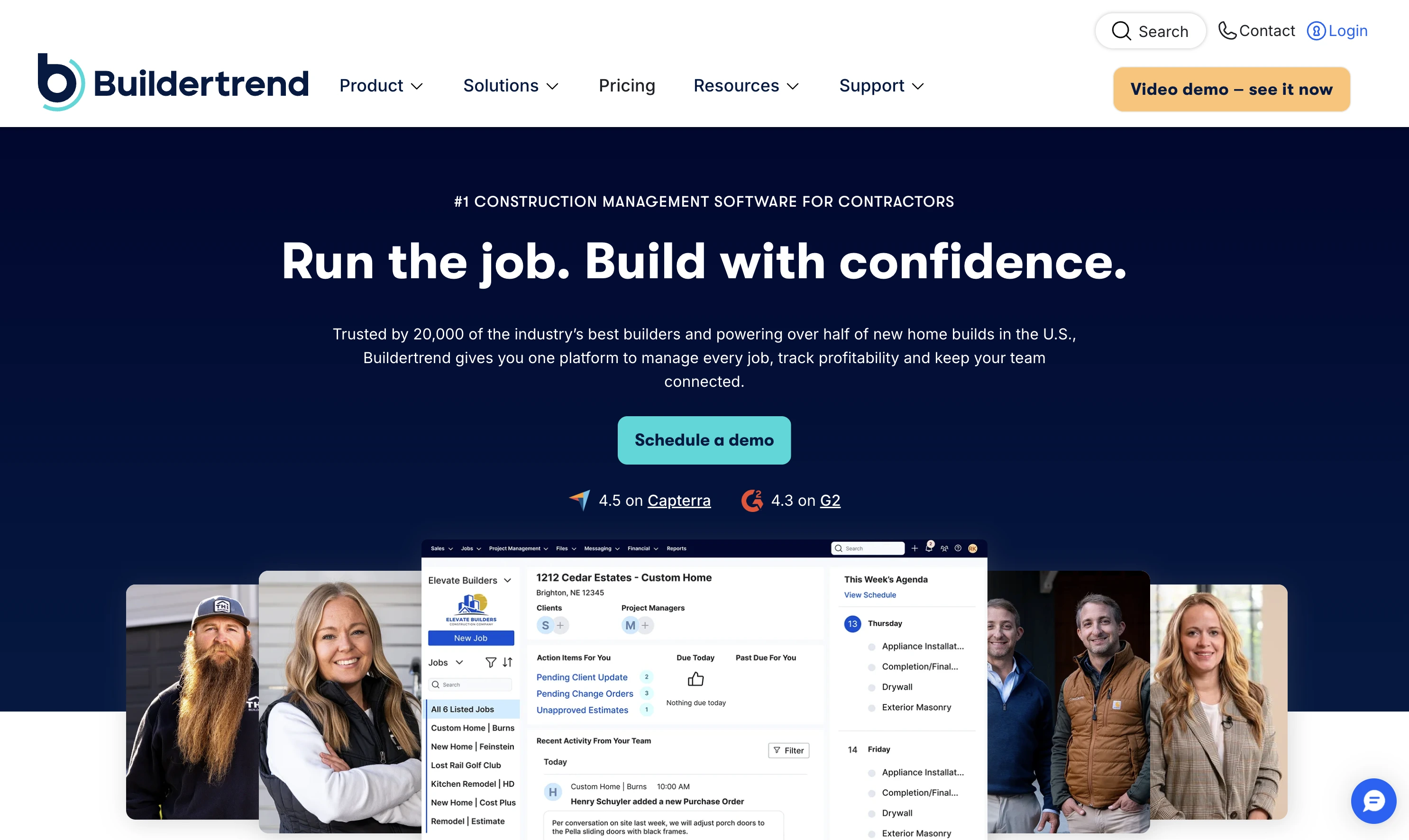
Features include:
- Estimating and proposals
- Scheduling and Gantt charts
- Client and subcontractor portals
- Change orders and budgeting
Strengths:
- Tailored to residential use cases
- Client communication features built‑in
- More approachable than enterprise tools for smaller companies
Limitations:
- Less suited for very large, complex commercial projects
- May still feel like a lot if your operation is very small or just starting
Pricing: three plans — as of 2026, Essential starts around $339/month, with Advanced and Complete higher (Buildertrend is moving some customers to volume-based quotes).
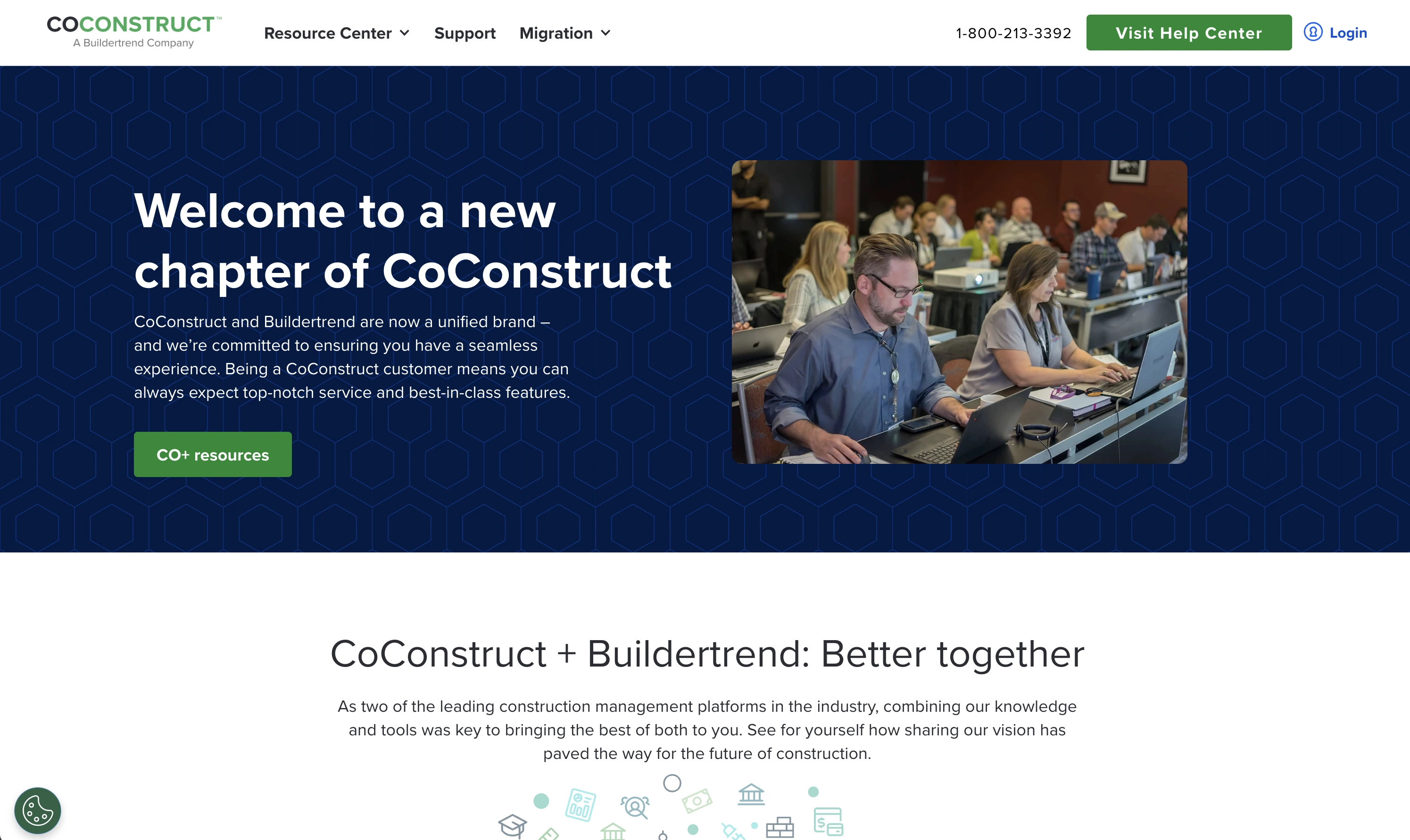
4. CoConstruct (now part of Buildertrend)
CoConstruct (integrated into Buildertrend’s ecosystem) is another strong option for custom residential projects and high‑touch client communication
Best for: Custom homes and major renovations
Capabilities:
- Estimating, selections, and proposals
- Scheduling and project timelines
- Client and trade communication
Strengths:
- Designed around the way custom builders work
- Good handling of client choices and variations
Limitations:
- Similar constraints as Buildertrend: more residential focus
- Not optimized for civil/infrastructure or large commercial builds
Pricing: CoConstruct plans are now bundled into Buildertrend subscriptions.
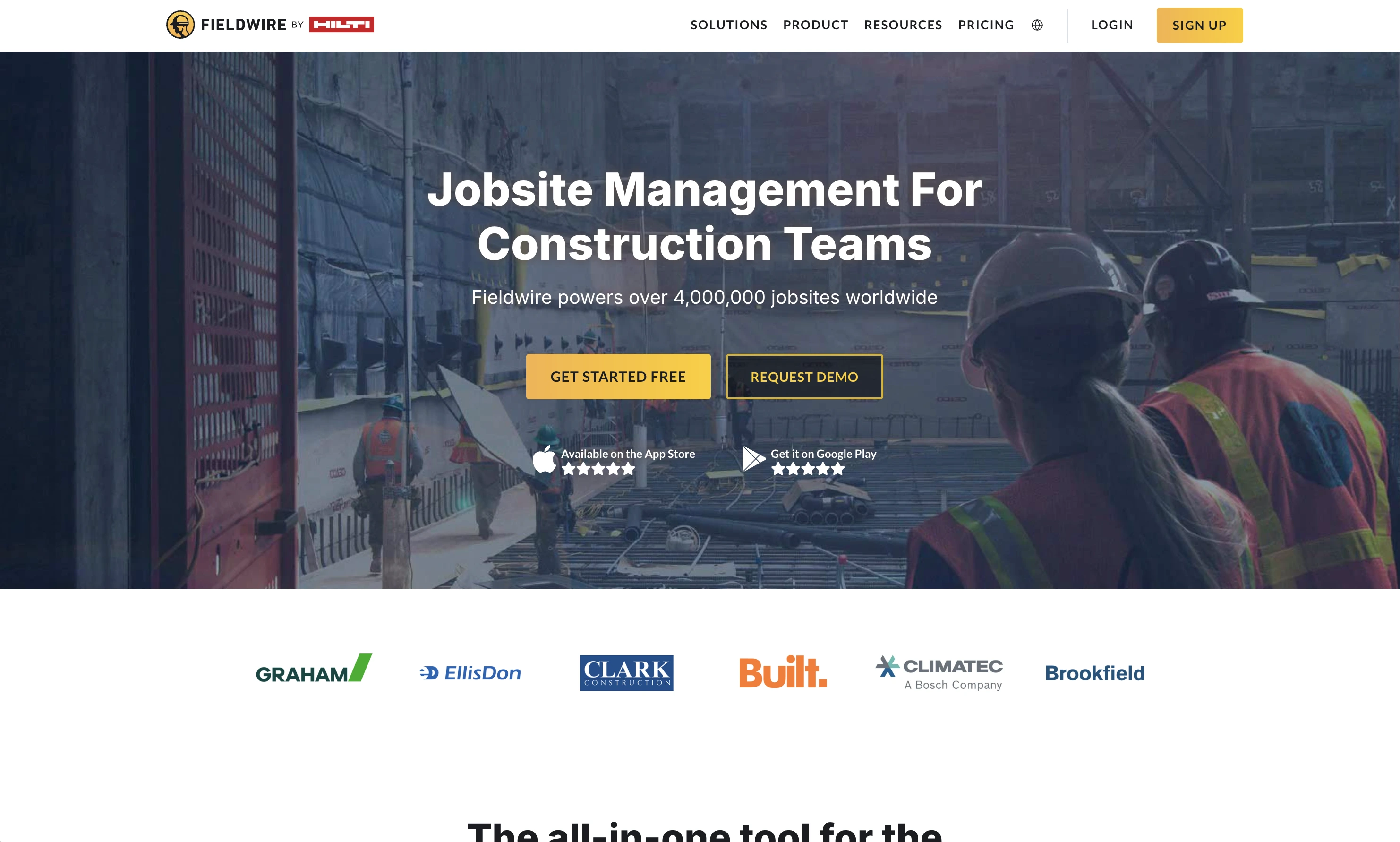
5. Fieldwire
Fieldwire is more field‑first than many tools on this list. It focuses on:
- Plan viewing and markups
- Task assignment and punch lists
- Checklists, inspections, and reporting
Best for: Field coordination, punch lists, and plan viewing
Strengths:
- Very useful for superintendents and foremen
- Good offline capabilities for site work
- Strong on punch lists and issue tracking
Limitations:
- Still expects solid literacy and comfort with mobile apps
- Doesn’t replace a full project control platform (budget, contracts, etc.)
Pricing: paid per user — plans start around $39–54 per user/month depending on tier.
Fieldwire is a strong on‑site coordination tool, particularly when combined with a more office‑oriented platform.
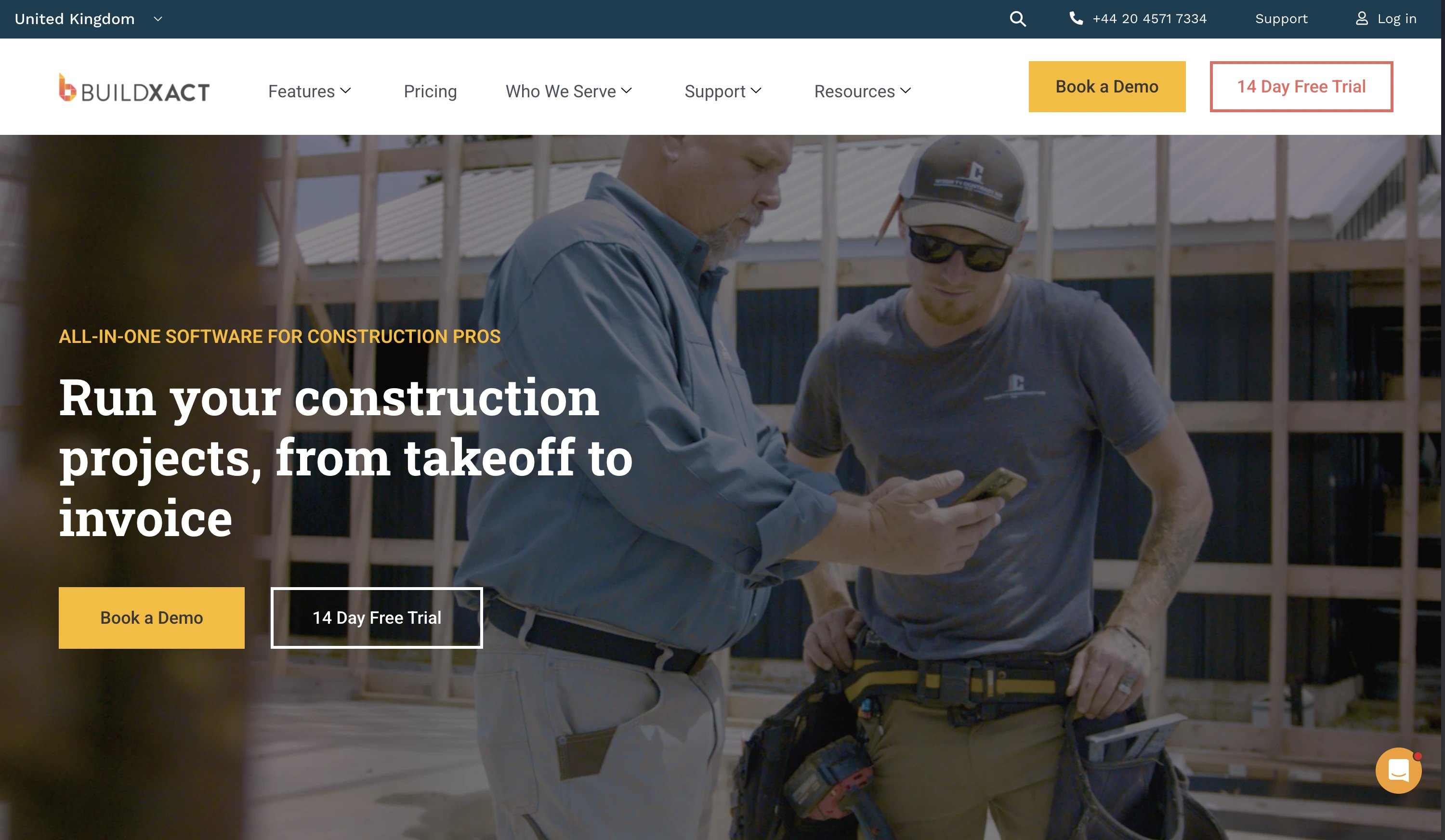
6. Buildxact
Buildxact targets small builders, renovation contractors and trade businesses needing better estimating and job management
Key features:
- Estimates and quotes
- Purchase orders and cost tracking
- Scheduling and job tracking
Strengths:
- All‑in‑one for smaller construction businesses
- Designed to be simpler than enterprise platforms
Limitations:
- Less suited for very complex or multi‑region projects
- Field execution still requires clear processes at crew level
Pricing: tiered plans — entry level starts around $149–169/month.
Best for: Small builders and tradies who need estimating + scheduling
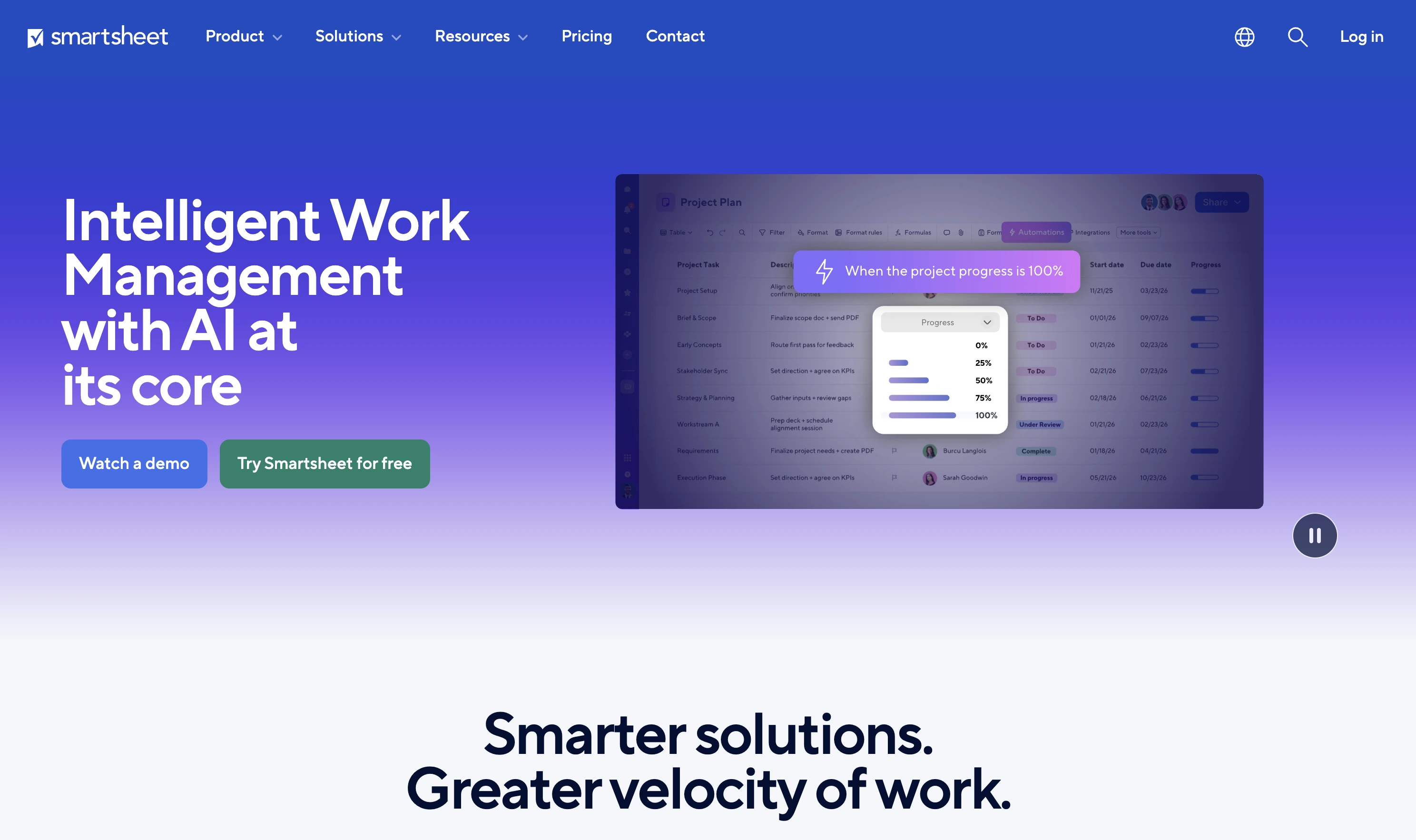
7. Smartsheet
Smartsheet isn’t construction‑specific, but many teams use it for:
- Multi‑project scheduling
- High‑level dashboards
- Resource and capacity planning
Strengths:
- Familiar “spreadsheet feel” with more structure
- Easy to build custom views and dashboards
Limitations:
- Not a specialized construction system (no deep RFIs, submittals, etc. out-of-the-box)
- Needs templates and discipline to work well in construction contexts
Pricing: from around $12 per member/month (Pro plan, monthly billing; cheaper annually).
Best for: Owners who like spreadsheet-style project control
It can be a good fit if you’re already spreadsheet‑driven and need to step up one level.
8. Float
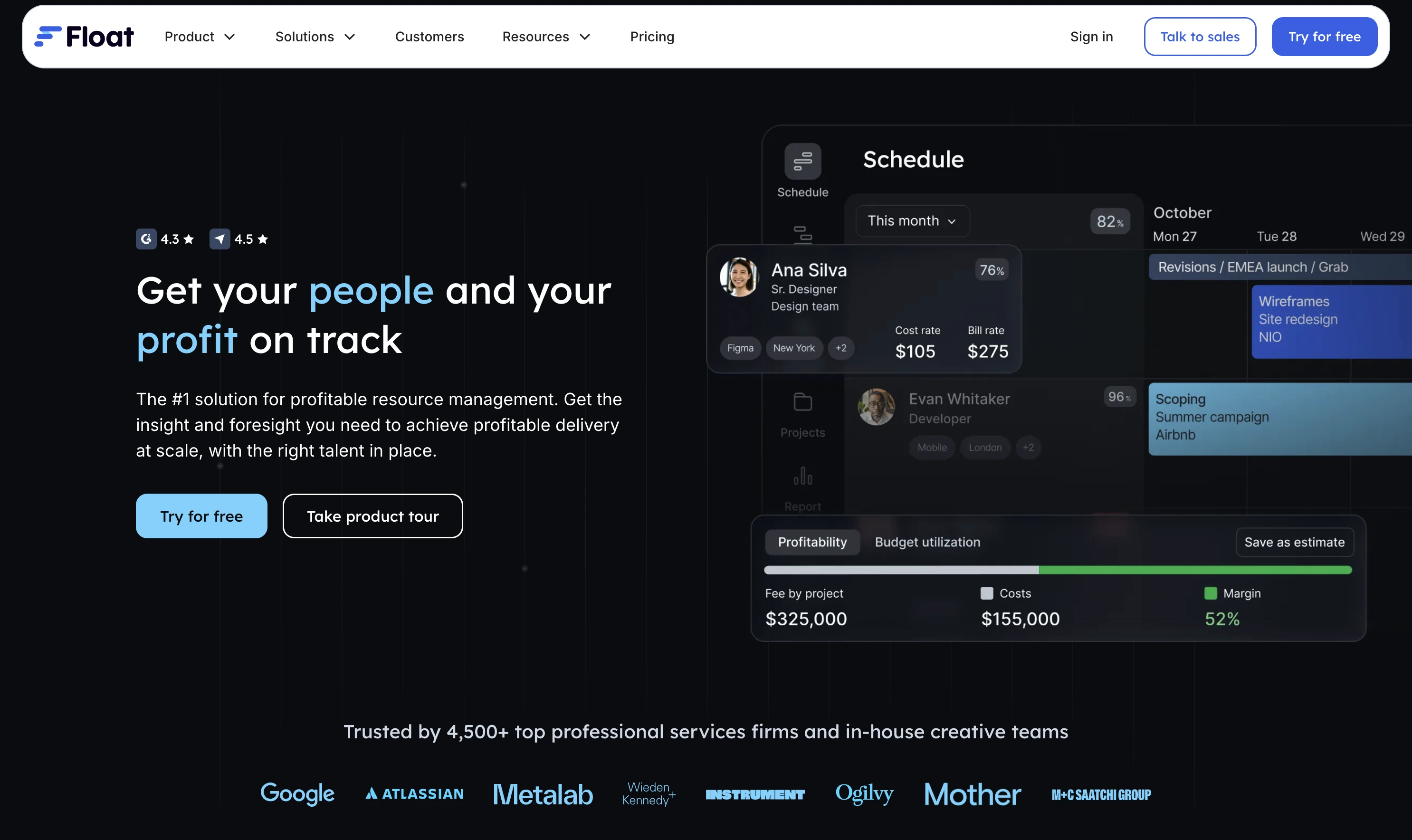
Float is not a full construction platform; it’s a capacity and scheduling tool.
Best for: Resource scheduling across projects
Key uses:
- Assigning people to multiple projects
- Avoiding overbooking key staff
- Visualizing workloads across weeks and months
Strengths:
- Simple, clear visual resource plans
- Helpful when you run many simultaneous jobs
Limitations:
- Doesn’t handle documents, RFIs, or site details
- Needs to be paired with a project or construction tool
Pricing: per-person subscription — tiers for small through global teams, priced on request.
For expats or owners with crews in several locations, Float can help you see when your foremen or specialists are being pulled too thin.
9. Jobber (for service / maintenance side)
Jobber is focused on service calls, maintenance contracts and small jobs across many sites
Best for: Small contractors and trades running recurring or call‑out work
Features:
- Job scheduling and routing
- Client communication and invoicing
- Basic task checklists
Strengths:
- Very good for ongoing maintenance work (HVAC, electrical, small repairs)
- Clean mobile experience
Limitations:
- Not a full construction project management platform
- Limited for large, multi‑phase build projects
Pricing: Core plan starts at $39/month (1 user), larger plans up to ~$199/month; extra users $29/month.
If part of your business is ongoing service work, Jobber can complement your project tools.
10. Tasa
Tasa is different from the rest of this list.
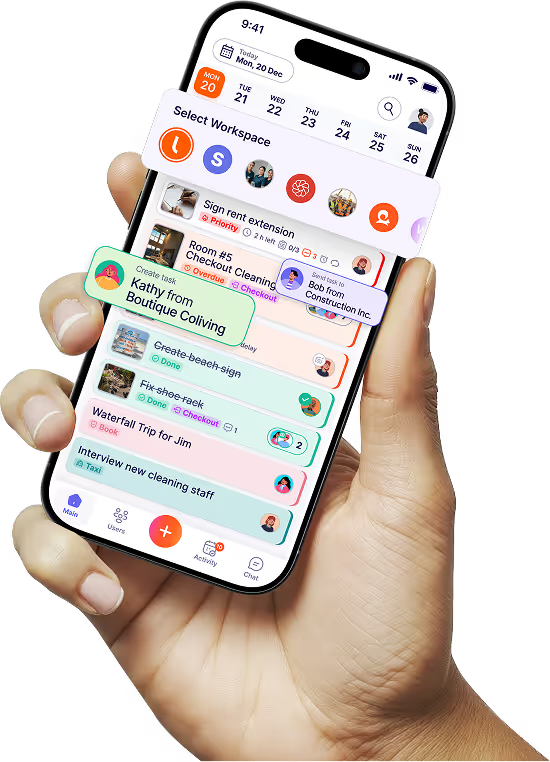
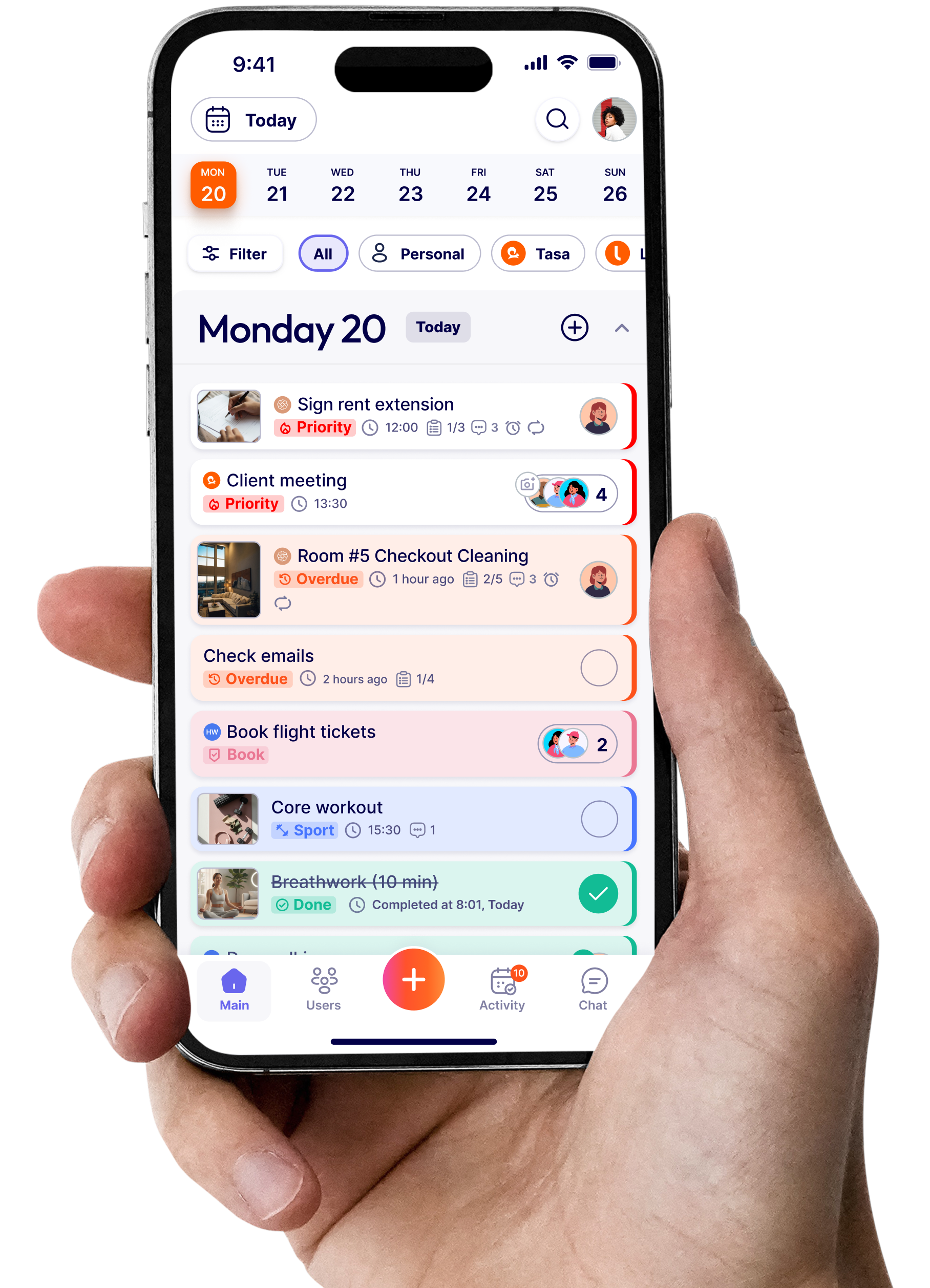
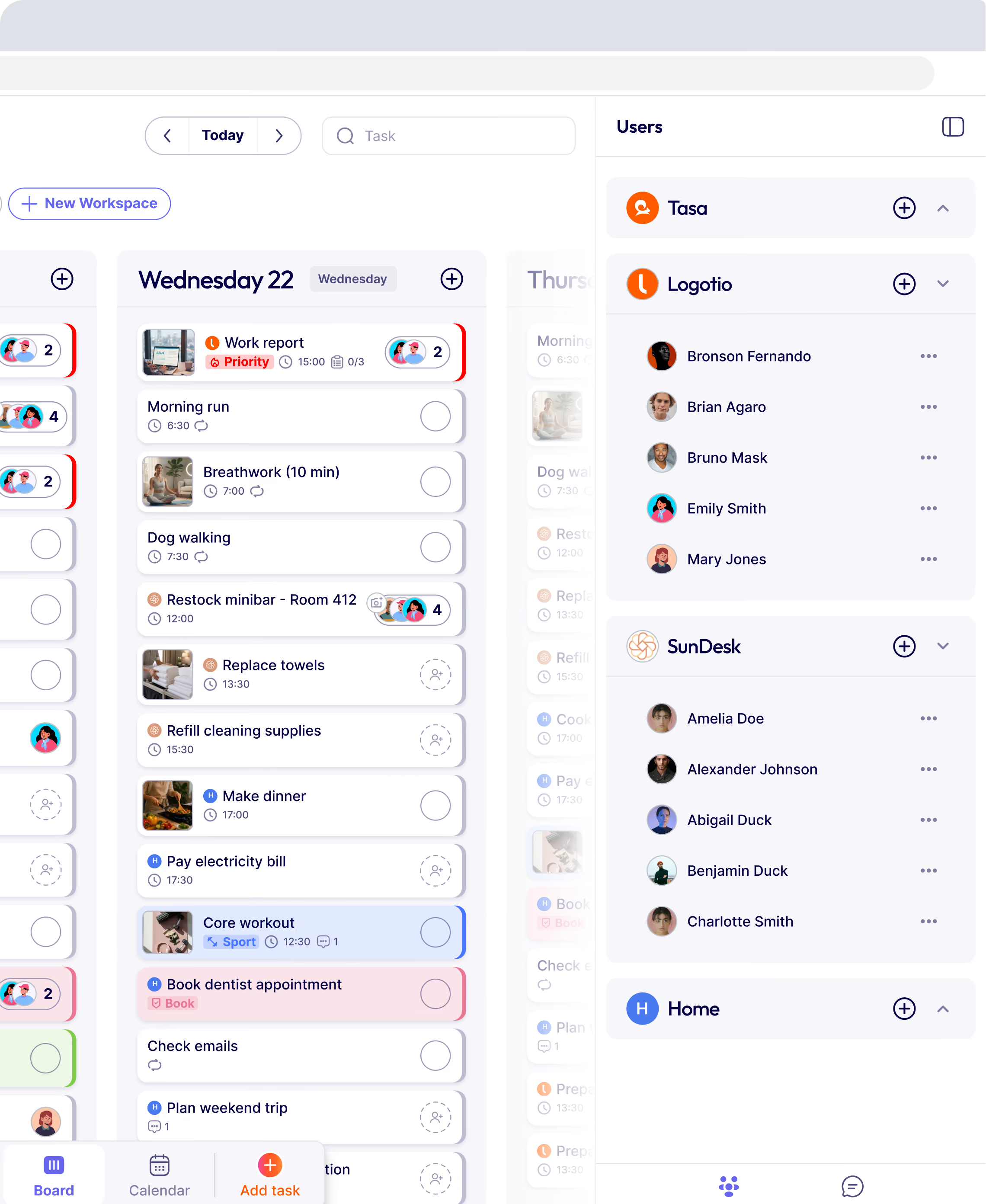
It is not a traditional construction management suite with RFIs and budgets. Instead, it sits on top of whatever planning tools you use, and focuses on:
- Making tasks clear and visual for frontline workers
- Bridging language and literacy gaps
- Capturing photo proof of completed work
Best for: Job‑site execution, multilingual crews, and photo proof for accountability.
Pricing: $8 per user/month (or $6.40 annual) — see the construction teams page for details.
Tasa core features for construction crews
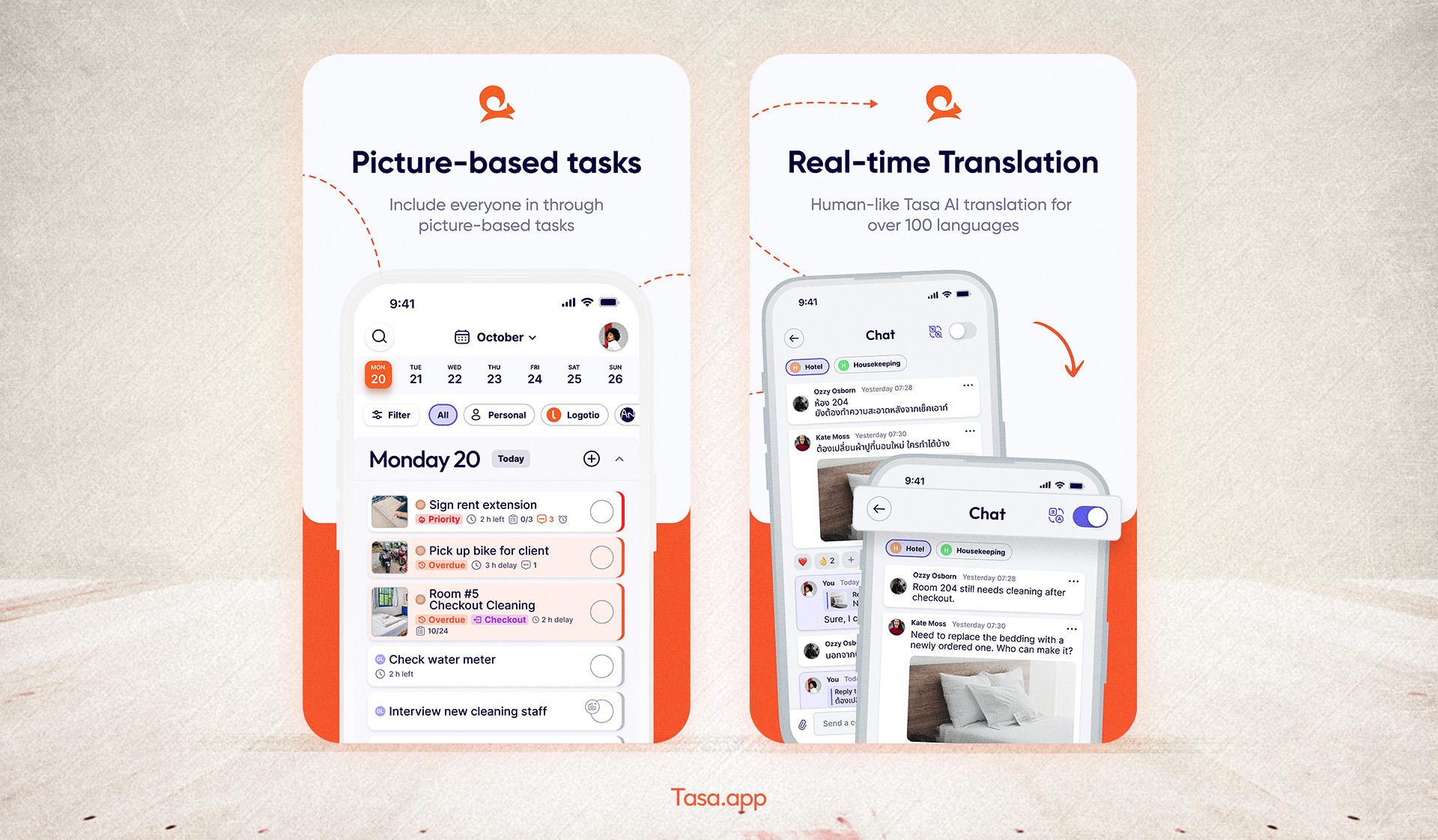
Picture-based tasks:
- You attach photos of what “done” looks like: rebar placement, door installation, site setup, finished room.
- Workers see the picture plus a short instruction, rather than long text alone.
AI translation:
- You write tasks once (for example in English).
- Tasa displays them in each worker’s preferred language (e.g., Portuguese, Spanish, Arabic, French, Thai).
Photo confirmation:
- Crews upload photos as part of completing a task.
- You get a visual, time‑stamped record of what was done.
QR-based onboarding:
Workers log in by scanning a QR code, so temporary or lower‑literacy staff can start quickly.
Tasa is especially useful if:
- You are an expat managing local crews who don’t share your first language.
- You have multiple sites and can’t be physically present at each one.
- You care about safety, quality, and proof for clients and inspectors.
How much does construction management software cost?
Construction software pricing generally falls into three models:
- Flat monthly plans (Buildertrend, Buildxact, Jobber): predictable, but user limits can bite as you grow.
- Per-user pricing (Fieldwire, Smartsheet, Tasa): scales with your team — cheap for small crews, more expensive at 50+ users.
- Custom quotes (Procore, Autodesk Build, Float): tied to construction volume or negotiated contracts.
Rule of thumb: a 10-person contractor should budget anywhere from ~$68/month (a field execution layer like Tasa) to $500+/month for a full all-in-one platform. Many teams cut cost by pairing an affordable field tool with the scheduling software they already know — see our guide to the best construction scheduling software.
Is there free construction management software?
Fully free, full-featured construction management platforms are rare — most “free” tools are trials:
- Smartsheet and Buildertrend offer free trials, then paid plans.
- Fieldwire retired its old free plan; it now starts as a paid per-user tool.
If you only need to organize crew tasks with pictures and translations — not RFIs and budgets — an affordable field tool like Tasa at $8/user/month is the cheapest route. If you need full project controls, plan for a paid tool.
How to choose the right mix for your construction business
A few questions to ask yourself:
What size and complexity are my projects?
- Large commercial/civil projects: Procore, Autodesk Build.
- Custom residential builds and remodels: Buildertrend, CoConstruct, Buildxact.
Where does most of my risk sit?
- Office-side: contracts, RFIs, budgets → you need a strong PM platform.
- Field-side: misunderstood instructions, poor quality, rework → you need a simple, visual execution tool like Tasa.
How multilingual and dispersed are my crews?
- If your crews speak different languages, written-only tools with one interface language are not enough.
- For multilingual communication, layering Tasa on top of your main PM suite helps ensure everyone on site actually understands the plan.
Do I want one big all‑in‑one system, or a few focused tools that integrate?
Many successful contractors use one “office brain” (Procore / Autodesk Build / Buildertrend / Smartsheet), and one “field brain” (Tasa) for day‑to‑day tasks and proof.
Where Tasa fits in your construction tech stack
The other nine tools on this list help you:
- Plan projects
- Store documents
- Track budgets and RFIs
- Coordinate stakeholders
Tasa helps you:
- Translate those plans into clear, understandable tasks for crews
- Communicate standards visually, not just in text
- Collect photo‑backed records of what was done, by whom, and when
Think of it like your main construction management software is your control tower. Tasa is your eyes and hands on the ground.
Used together, they help you move from:
“We hope things are on track” to “We can see that each step was done correctly, on time, and to standard.”
For expats and small/mid‑sized owners running multiple sites, that difference is what turns software from another dashboard into something that genuinely de‑risks your projects and your reputation.
Latest News

Have questions?
.svg)
Team management, simplified.

“It affects my personal life a lot. I can manage my team and my work remotely, so I have more time being a mother.”